Start with your story
Add your name, professional headline and biography. Keep the first few lines focused on what you do and what makes your background relevant.
A strong wall is not about uploading everything. It is about organizing the right information so an employer, client, school or partner can understand the part of your professional story that matters to them.
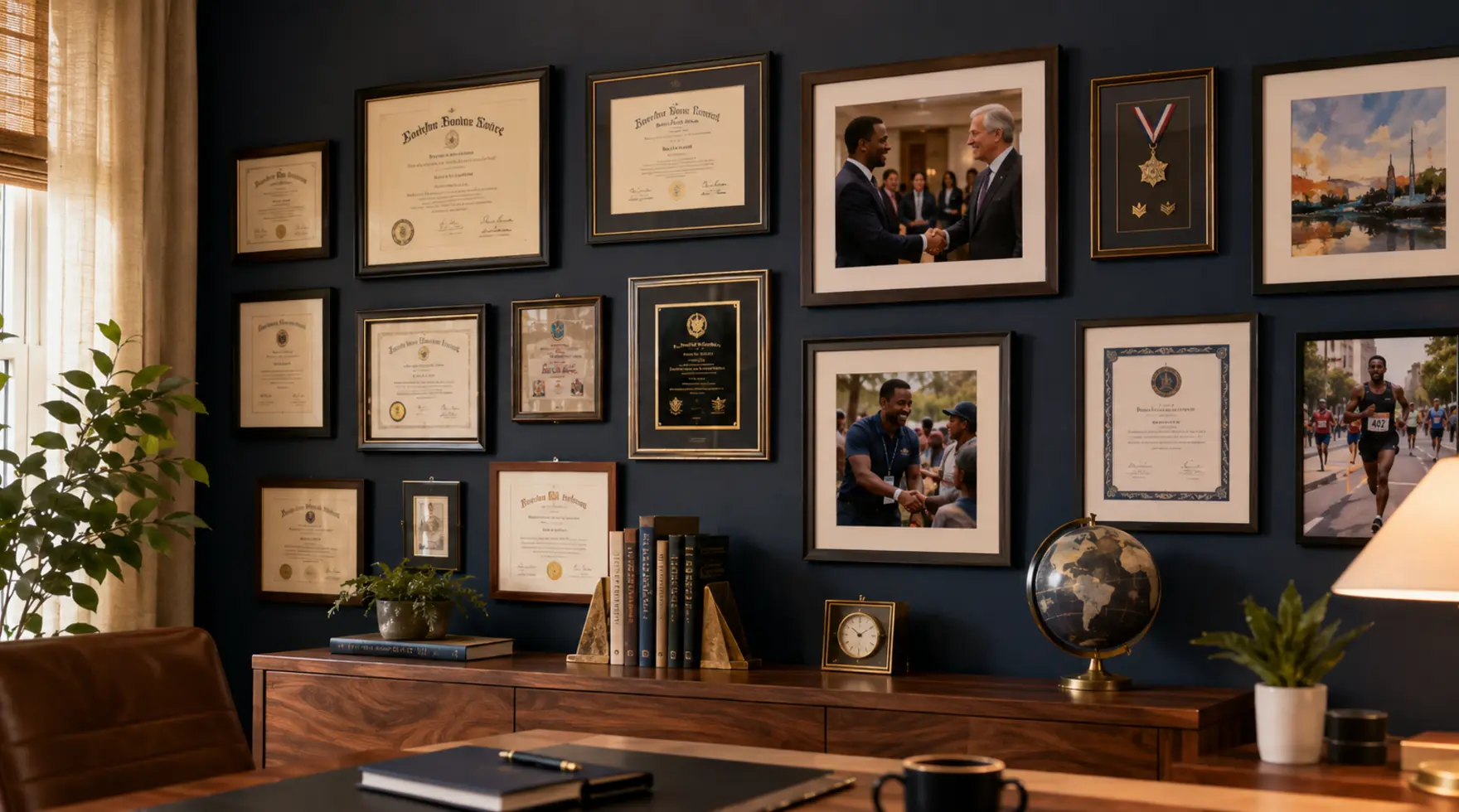

Start with what matters, add proof where it strengthens the story, then preview the finished wall before sharing the right link with the right audience.
Use one portfolio when one focused presentation tells the story. Add Portfolio 2 when another career, business, creative role or side hustle needs its own audience, content and direct link.
Add your name, professional headline and biography. Keep the first few lines focused on what you do and what makes your background relevant.
Career + side hustle? Two careers? Professional work + creator work? Keep them separate when different audiences need different presentations. You can always add Portfolio 2 later.
Use Smart Resume Import to establish the foundation, then review every imported item before relying on it publicly.
Upload selected diplomas, certificates, licenses and awards as Visual Evidence. Review files for sensitive information first.
If you use two portfolios, assign each item to Portfolio 1, Portfolio 2, or both. The same source record can support more than one focused presentation.
Check each professional portfolio, confirm its photo, headline, content and visibility settings, and make sure every public link works.
Share the direct link or QR code that fits the audience. When two portfolios are public, viewers can move between the available professional views.
Use Portfolio 2 when putting everything into one profile would make your story less clear. Examples include a professional career plus a side business, two distinct careers, real estate plus content creation, or civilian work plus a separate consulting practice.
No. Start with one portfolio and add the second later. Both remain under the same MyCredWall account and subscription.
Yes. Each portfolio can have its own professional photo, headline, introduction, content selection, media, audience call to action and direct link. Content may appear in one portfolio or both.
No. A published public wall is designed to open directly for viewers without requiring them to sign in.
Yes. You control whether your profile and available portfolio views are public or private through the available visibility settings.
Yes. Evidence visibility can be changed after upload. Public evidence may appear on the published wall; private evidence remains inaccessible to visitors.
No. MyCredWall is a professional identity and credential presentation platform. It is intentionally not built around followers, likes, comments or an endless social feed.
Selected work, properties, projects, events, speaking appearances, award ceremonies, professional portraits and other images that strengthen the professional story you want that portfolio to tell.